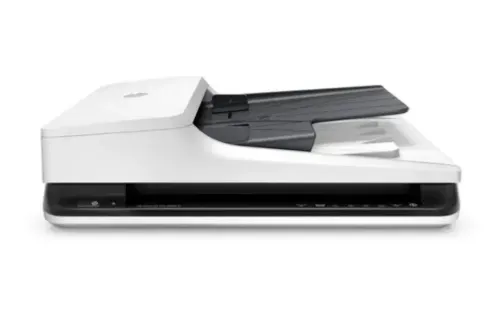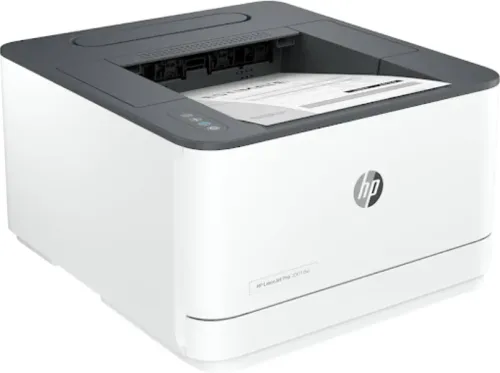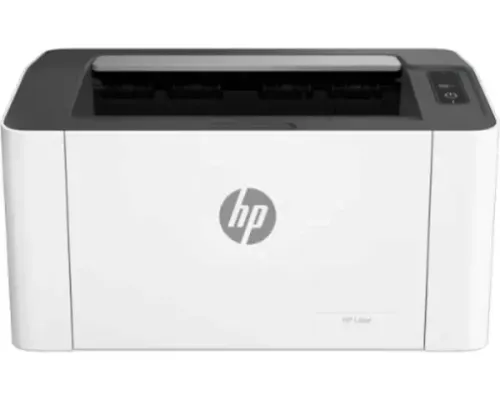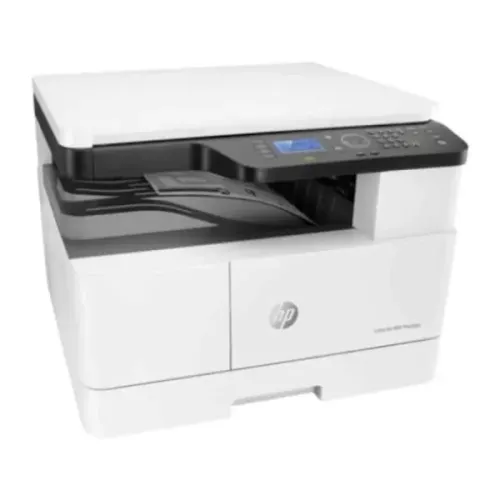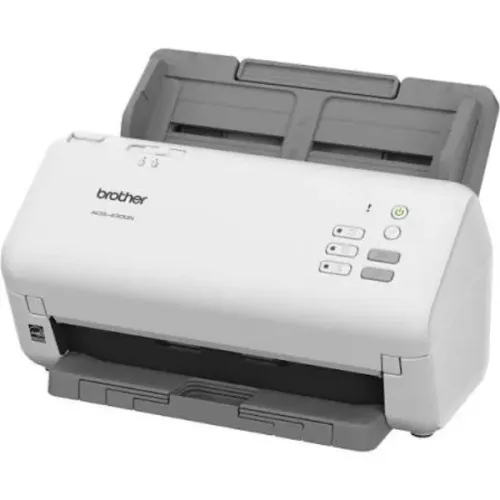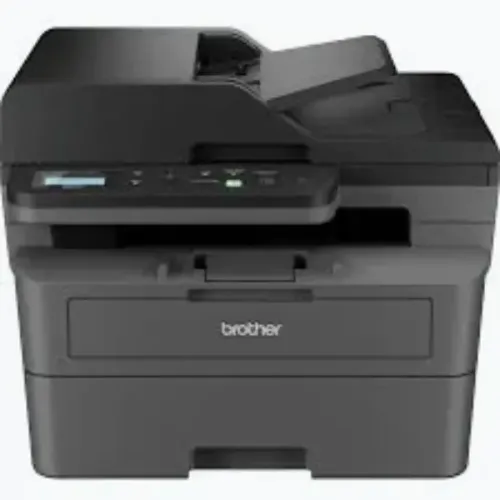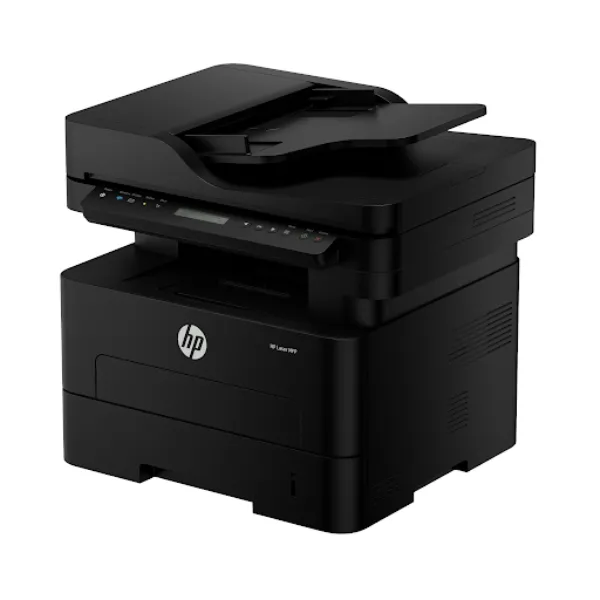
A device that prints, scans, and copies can simplify everyday document handling, but not every multifunction machine is designed for the same workload. A small office may need occasional printing and scanning, while a large administrative department may process thousands of pages every month.
Selecting a Multifunction Printer on rent requires more than comparing print speeds. The machine should fit the number of users, monthly volume, document types, network environment, and operational expectations.
Begin With Monthly Document Volume
Monthly volume is one of the most useful selection criteria.
Estimate how many pages employees print, copy, and scan during an average month. Include peak periods because a machine that performs adequately during normal weeks may struggle during billing cycles, examinations, audits, admissions, reporting periods, or project deadlines.
Higher-volume workplaces generally need equipment with stronger duty capabilities, larger paper trays, faster automatic document feeders, and more robust internal components.
Examine How Employees Actually Work
Specifications become meaningful only when connected to real workflows.
An accounts team may regularly scan multi-page invoices. HR may print confidential documents. Administration may need copying throughout the day. Senior management may require secure printing. Educational institutions may produce large batches of learning material.
When considering a Multifunction Printer on rent, map these tasks before selecting the device.
Useful features can include:
- Automatic duplex printing
- Duplex scanning
- Automatic document feeder
- Network printing
- Scan-to-folder functions
- Wireless connectivity
- User authentication
- Large paper capacity
- Multiple paper trays
Not every office requires every feature, which is why workflow assessment matters.
Avoid Choosing on Speed Alone
Pages per minute is easy to compare, but a faster machine does not automatically improve productivity.
A department may benefit more from a reliable automatic document feeder, greater paper capacity, faster first-page output, or easier scanning controls than from a marginal increase in print speed.
Similarly, an oversized device can increase costs without producing meaningful operational benefits.
The objective is balanced capacity.
Evaluate Rental Terms Alongside Hardware
Two similar machines can deliver very different overall experiences depending on the rental arrangement.
Businesses should understand the rental duration, usage conditions, maintenance responsibilities, consumable arrangements, service procedures, and any applicable page limits.
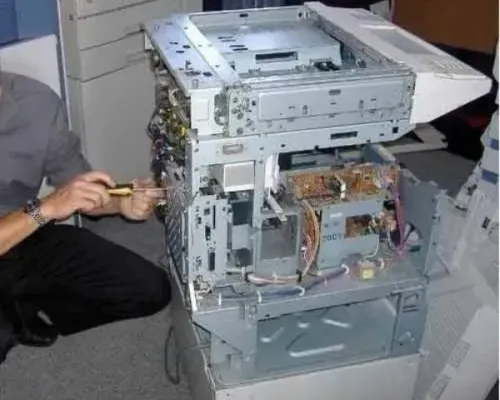
Ask how support is handled when a machine develops a fault. Clarify whether preventive servicing is included and what happens when replacement parts are required.
These details are particularly important for workplaces where several departments depend on one multifunction device.
Think About Network and Security Requirements
Shared office printers become part of the IT environment.
Corporate offices, banks, healthcare facilities, educational institutions, and government organisations may have specific network and document-security policies. The chosen machine should therefore be assessed for compatibility with the existing infrastructure.
Features such as controlled printing and authenticated access can be useful when sensitive documents are involved.
Match Capacity With Workplace Reality
Bangalore businesses range from small professional offices to large technology companies and institutional campuses. Their document requirements differ significantly, even when they are considering the same category of equipment.
Icon Copier Care helps organisations assess multifunction printing requirements and rental configurations across Bangalore. Choosing a Multifunction Printer on rent based on actual page volume, user behaviour, scanning requirements, connectivity, and support needs can reduce bottlenecks and create a more efficient shared document environment.
Keywords