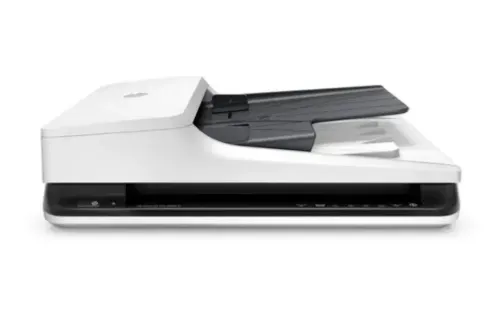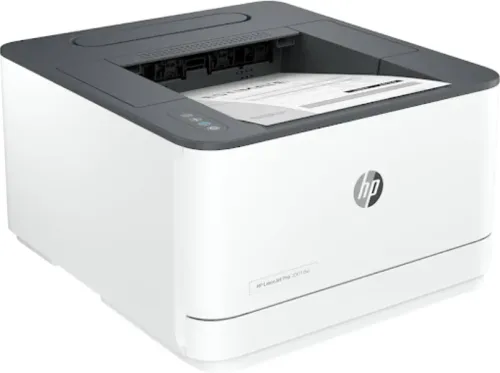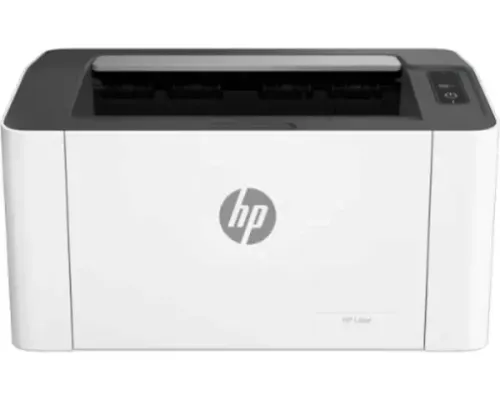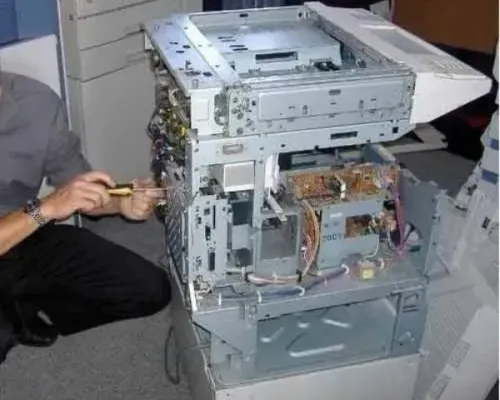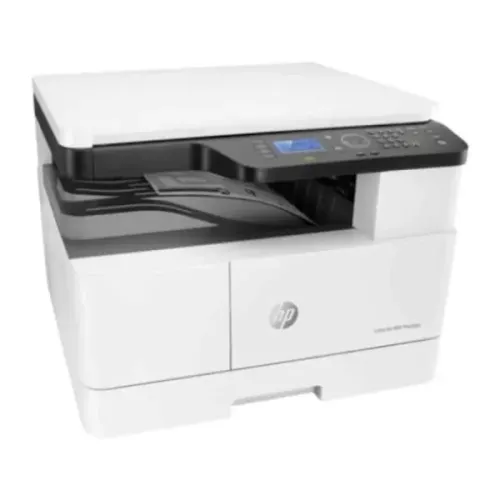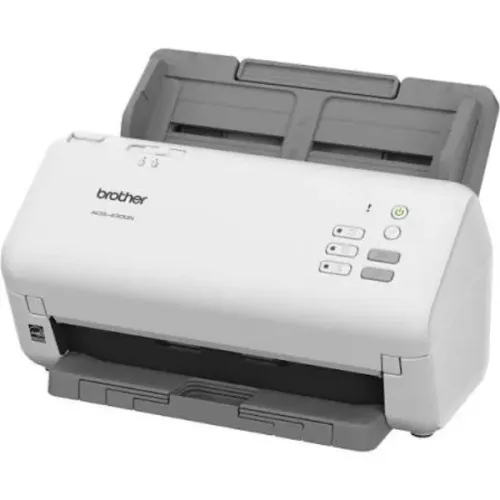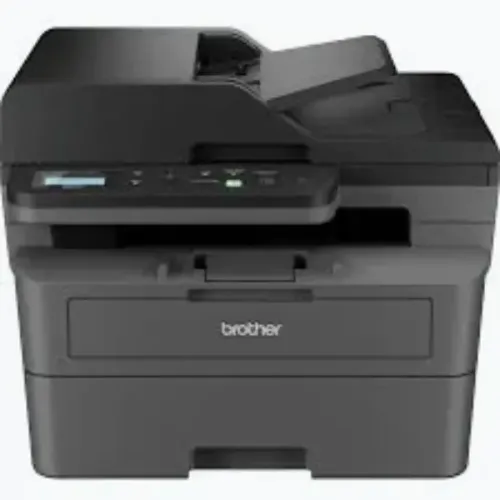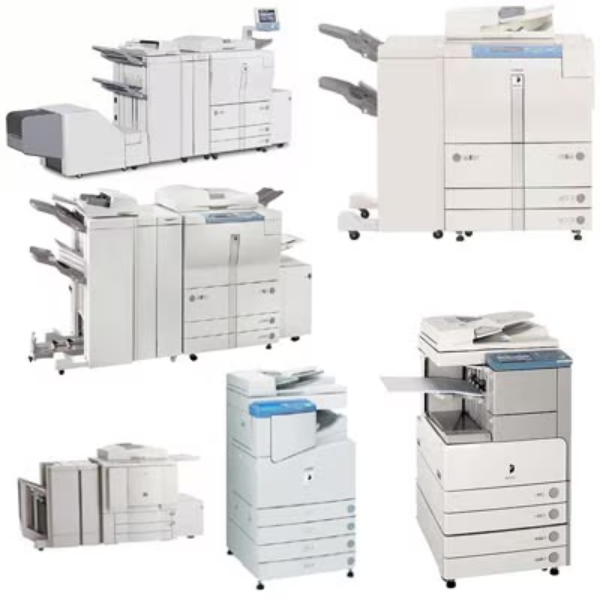
Office copiers have evolved far beyond basic photocopying. Modern digital machines can combine copying, printing, scanning, document feeding, duplex processing, network access, and other workflow capabilities within one system.
For organisations researching Digtal Copiers rentals, the key consideration is not simply finding a copier. It is selecting a configuration capable of supporting the way employees create, share, reproduce, and digitise documents every day.
Identify Signs That Additional Copier Capacity Is Needed
Several operational problems can indicate that an existing copier setup is no longer adequate.
Employees may regularly queue for one machine. Large copy jobs may delay smaller tasks. Paper trays may need constant refilling. Scanning may be too slow for administrative workloads. An older machine may also require increasingly frequent maintenance.
These issues can affect productivity even when the copier technically continues to operate.
Growing teams should periodically reassess whether installed capacity still matches demand.
Determine Which Functions Matter
A digital copier can serve as a central document hub, but organisations should avoid selecting features they will rarely use.
A corporate office may prioritise network printing and scanning. A school may require dependable high-volume copying. A healthcare facility may need scanning for administrative documentation. A bank may place greater emphasis on access controls and secure document handling.
Useful capabilities may include:
- Automatic duplex output
- Automatic document feeding
- Network scanning
- Multiple paper trays
- User authentication
- High-volume printing
- Scan-to-folder functionality
- Suitable print and copy speeds
The ideal combination depends on the organisation.
Consider Rental When Requirements Are Changing
Equipment ownership can work well when long-term requirements are stable. Rental becomes particularly relevant when document volumes, team sizes, project durations, or office configurations are changing.
A growing business may not yet know what its printing volume will look like a year from now. A temporary branch may require equipment for a defined period. An institution may need additional capacity during seasonal workloads.
In these situations, Digtal Copiers rentals can provide an alternative to making an immediate equipment purchase.
Review Service Readiness Before Selection
Copiers used by multiple departments become operationally important.
Before choosing a rental provider, ask how maintenance and service requests are managed. Clarify what is included in the arrangement and how problems are reported.
A useful provider evaluation should cover equipment suitability as well as ongoing support.
For businesses in Bangalore, Karnataka, local service accessibility can be particularly relevant when a copier supports critical administrative workflows.
Assess the Workplace Before Installation
Installation planning can prevent several practical problems.
Check whether the proposed location has appropriate network access, electrical supply, ventilation, physical space, and convenient employee access. Consider paper storage and the distance employees need to travel to collect documents.
For larger offices, one high-capacity machine may not always be the most efficient configuration. Several appropriately placed devices can sometimes distribute workloads more effectively.
Select a Copier Around Business Requirements
Rental decisions should ultimately reflect document volume, required features, expected rental duration, IT compatibility, security needs, and service expectations.
Icon Copier Care supports copier, printer, scanner, rental, and maintenance requirements for organisations across Bangalore. Businesses considering Digtal Copiers rentals can benefit from documenting their current workloads and operational challenges before selecting equipment.
A properly matched digital copier does more than produce pages. It can streamline copying, printing, and scanning within one coordinated document workflow while giving employees dependable access to the functions they use throughout the working day.
Keywords