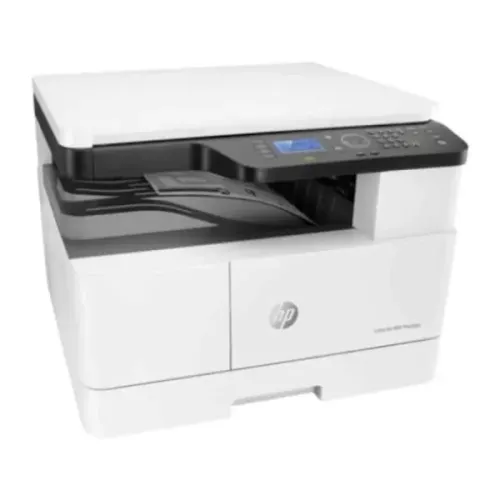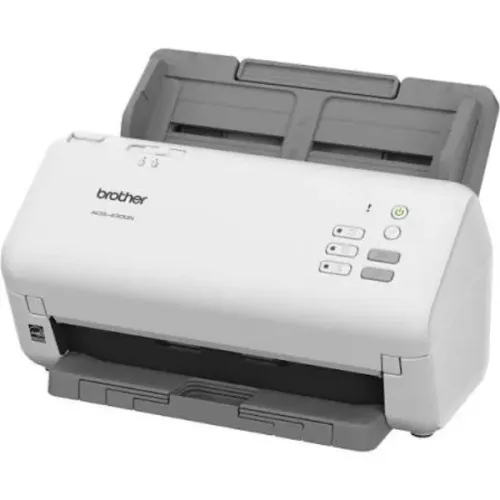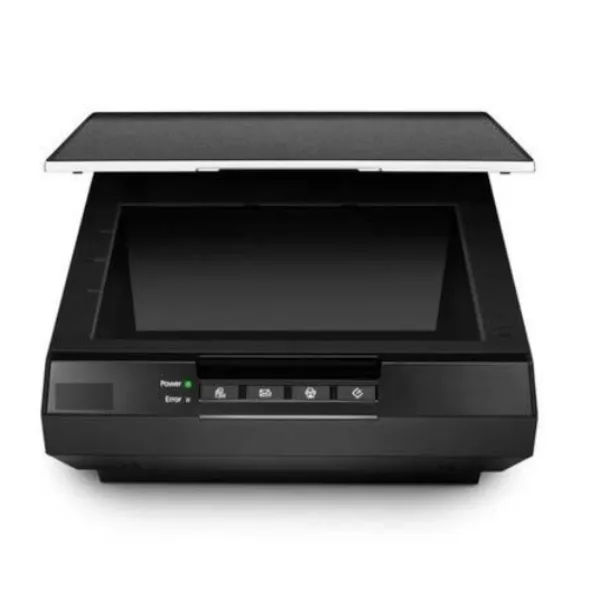
Digitising business records can save physical storage space, improve document accessibility, and support faster information retrieval. Yet scanning projects often become inefficient because the equipment was selected before anyone assessed the documents being processed.
When evaluating Document Scanners on rent, organisations should begin with the workload rather than the scanner model.
Check the Type of Documents First
Not every document passes through a scanner equally well.
A project may include clean A4 sheets, thin invoices, folded documents, receipts, identification documents, old records, mixed paper sizes, or double-sided forms.
Understanding the source material helps determine whether a high-speed automatic document feeder is suitable or whether specialised handling will be required.
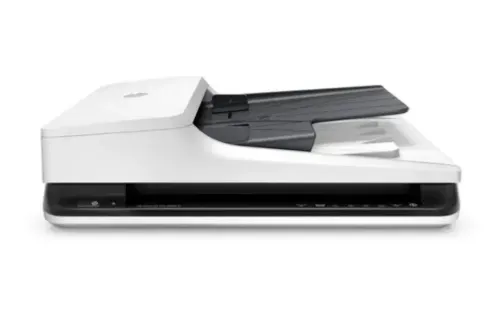
For standard office records, ADF-based document scanners can significantly improve throughput compared with manually placing individual sheets.
Estimate the Daily Scanning Target
Calculate the total number of pages and the project deadline.
If 100,000 pages must be processed, dividing that number by the available working days provides an approximate daily target. From there, organisations can estimate how many scanners and operators may be required.
Remember that advertised scanning speed is not equal to complete workflow speed.
Staff also need time to:
- Prepare documents
- Remove clips and staples
- Separate batches
- Select scan settings
- Check image quality
- Name files
- Index records
- Handle exceptions
A realistic productivity estimate should include these activities.
Assess Duplex and ADF Requirements
For large quantities of double-sided paperwork, duplex scanning can substantially reduce manual handling.
Automatic document feeders are equally important when documents are suitable for batch processing. Feeder capacity can influence how frequently operators must reload pages.
When comparing Document Scanners on rent, examine both scanning speed and practical feeding performance.
Define Output Requirements Before Starting
Decide how scanned files will be stored before the first batch is processed.
Organisations should establish file formats, resolution, naming conventions, folder structures, and indexing rules. This is especially important when several employees are scanning simultaneously.
Without consistent standards, a fast scanning project can create thousands of digital files that are difficult to locate later.
Review Security and Access
Digitisation often involves sensitive information.
Banks may process financial records. Hospitals may handle administrative and patient-related documents. Corporate offices may digitise employee and contractual records. Educational institutions can hold personal student information.
The scanning workflow should therefore align with the organisation's information-security practices. File destinations, network access, temporary storage, and user permissions deserve attention.
Include Technical Support in the Evaluation
A scanner used continuously during a major digitisation project works much harder than one used occasionally at a reception desk.
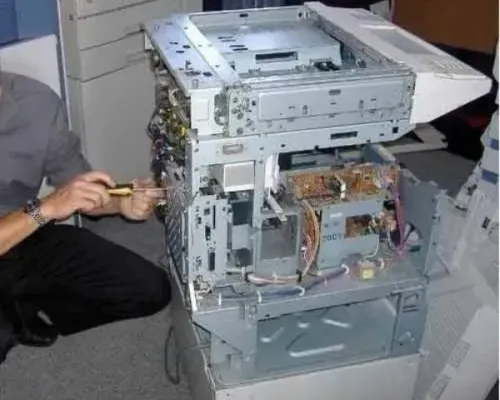
Paper-feed problems, roller wear, configuration issues, and software problems can interrupt production. Organisations in Bangalore should therefore consider the accessibility of technical assistance when evaluating rental arrangements.
Icon Copier Care supports document scanning and office automation requirements for businesses and institutions across Bangalore, Karnataka. Before selecting Document Scanners on rent, evaluate document type, page volume, ADF capacity, duplex capability, output requirements, security, and support. This checklist helps ensure that rented equipment contributes to the project rather than becoming another bottleneck.
Keywords