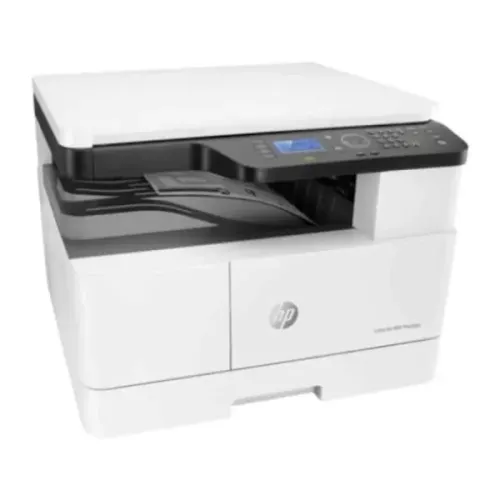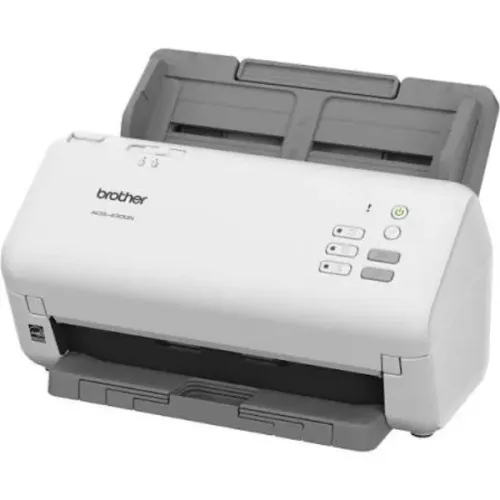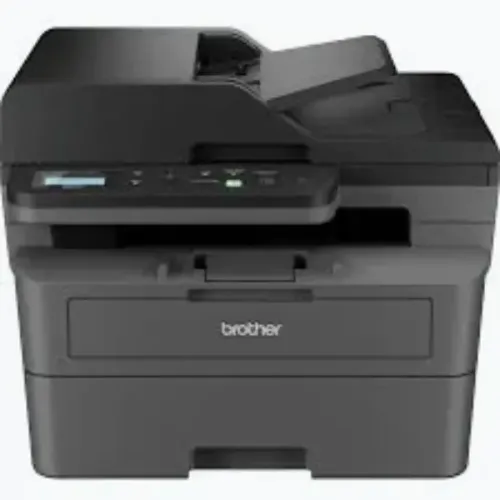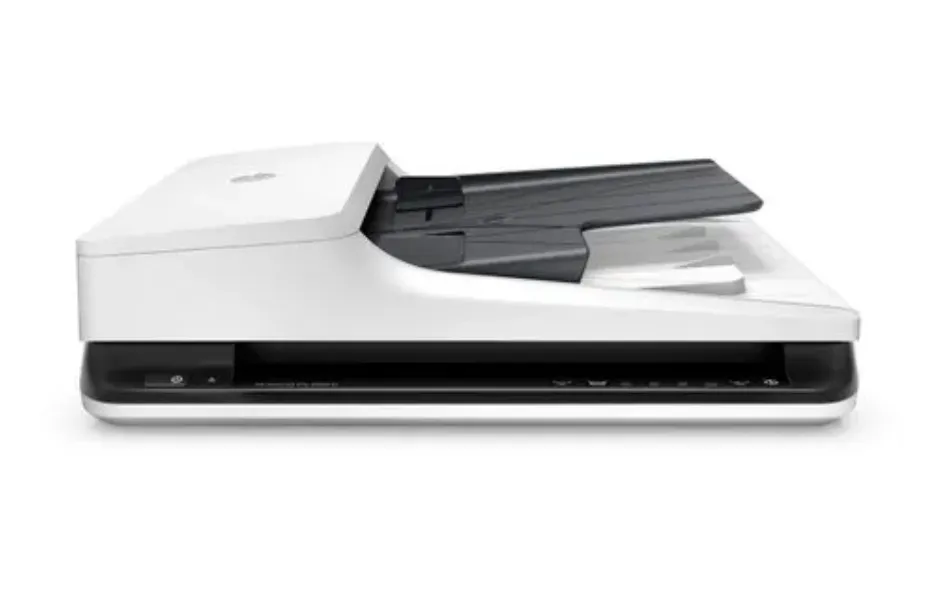
Large scanning projects are rarely limited by the ability to capture an image. The real challenge is processing hundreds or thousands of pages efficiently while maintaining readable output, correct document order, and consistent file organisation.
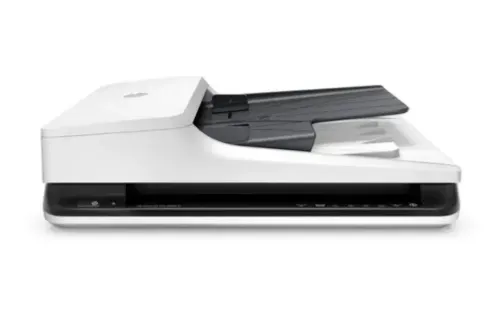
For businesses evaluating A4 ADF Scanners Rentals, understanding feeder capacity, duplex performance, document condition, and project volume can help identify equipment suited to intensive scanning work.
Why ADF Capability Matters
ADF stands for automatic document feeder.
Instead of placing every sheet manually on a scanning surface, users can load a batch of compatible documents into the feeder. The scanner then processes pages sequentially.
This can significantly improve productivity for projects involving standard A4 paperwork such as invoices, forms, records, statements, applications, contracts, and administrative documents.
For double-sided records, a scanner with duplex capability can further reduce manual intervention.
Identify the Documents Being Scanned
ADF scanners perform most efficiently when documents are prepared correctly.
Before selecting equipment, inspect the archive. Look for torn pages, staples, paper clips, folded corners, unusually thin sheets, receipts, photographs, and non-standard sizes.
A project containing mostly clean A4 pages may be well suited to automated feeding. Mixed or fragile records may require additional preparation and different handling procedures.
This assessment should happen before equipment capacity is decided.
Calculate Required Throughput
Organisations should establish a realistic daily target.
Suppose an office needs to digitise several years of records within a few weeks. One scanner may not provide enough capacity even when its rated speed appears sufficient.
Real project time includes document preparation, loading, quality checks, file naming, indexing, and exception handling.
In some cases, renting several units can allow multiple operators to work simultaneously and complete the project within the required timeframe.
Check Features That Affect Daily Productivity
When comparing A4 ADF Scanners Rentals, evaluate more than scanning resolution.
Important considerations include:
- Feeder capacity
- Duplex scanning capability
- Rated scanning speed
- Daily duty recommendations
- Paper-size support
- Image enhancement features
- Software compatibility
- File-format options
- Connectivity
- Driver compatibility
A slightly slower scanner with reliable paper feeding may outperform a faster machine that requires frequent operator intervention.
Plan the Digital Filing Process
Scanning should produce organised information rather than a collection of randomly named files.
Before starting, define how files will be named, categorised, checked, and stored. Teams should use consistent rules throughout the project.
Sensitive documents should also be processed according to the organisation's information-security procedures.
This is particularly relevant for banks, healthcare facilities, educational institutions, government offices, and corporate departments handling confidential records.
Choose Equipment Around the Project
Bangalore organisations undertaking archive conversion, office relocation, compliance exercises, record digitisation, and document management projects may require scanning capacity for a defined period rather than permanently.
Icon Copier Care provides scanning equipment rental support across Bangalore, Karnataka. When evaluating A4 ADF Scanners Rentals, organisations should consider document condition, total volume, project duration, feeder capacity, duplex requirements, software compatibility, and technical support. Matching these elements at the planning stage can make high-volume digitisation considerably easier to manage.
Keywords